In today’s digital landscape, every touchpoint with your audience is an opportunity to reinforce your brand. Your email signature, often an afterthought, is a powerful and often overlooked marketing channel. It’s not just a sign-off; it’s a digital business card, a call-to-action, and a statement of professionalism.
This comprehensive review delves into Newoldstamp, a leading email signature management tool designed to help individuals and teams create, manage, and deploy professional, brand-consistent email signatures. We’ll explore its features, benefits, user experiences, and critically assess the value proposition, especially concerning its popular AppSumo lifetime deal.
Whether you’re a freelancer, a small business owner, or managing a large enterprise, understanding Newoldstamp reviews can help you decide if this tool is the right fit to elevate your email communications. Let’s dive deep into what makes Newoldstamp stand out in the crowded market of email signature generators.
Newoldstamp Overview: Email Signature Solution
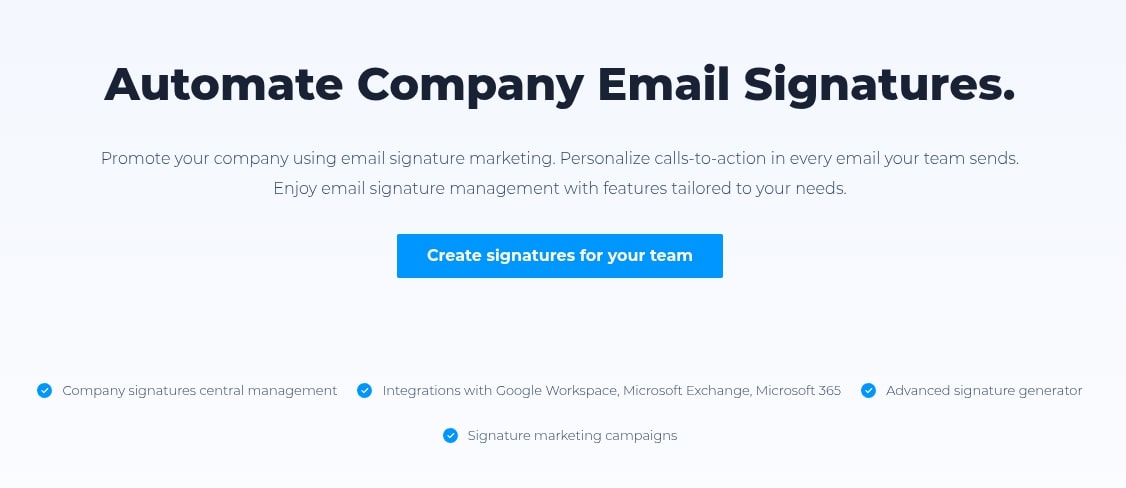
Newoldstamp is an intuitive online platform designed to simplify the creation and management of professional email signatures. It aims to empower businesses and individuals to maintain a consistent brand identity across all email communications, transforming a mundane sign-off into a dynamic marketing asset. The tool offers a centralized dashboard for easy control.
The core value of Newoldstamp lies in its ability to standardize email signatures across an entire organization. This ensures every employee’s email reflects the company’s branding, contact information, and even promotional messages consistently. It eliminates the manual, often error-prone process of updating individual signatures.
Beyond mere aesthetics, Newoldstamp integrates marketing functionalities directly into signatures. Users can embed clickable banners, social media links, and calls-to-action, making each email a potential touchpoint for lead generation, event promotion, or content distribution. This proactive approach to email signatures significantly enhances their utility.
Newoldstamp Features and Benefits
Newoldstamp is packed with features designed for both ease of use and powerful branding. Its robust set of tools caters to various needs, from individual professionals to large corporate teams. These features translate directly into tangible benefits for users.
Key features include:
- Drag-and-Drop Editor: A user-friendly interface that allows for easy customization of signature elements without needing any coding knowledge.
- Professional Templates: A wide array of professionally designed templates to choose from, ensuring a polished look for your signature right from the start.
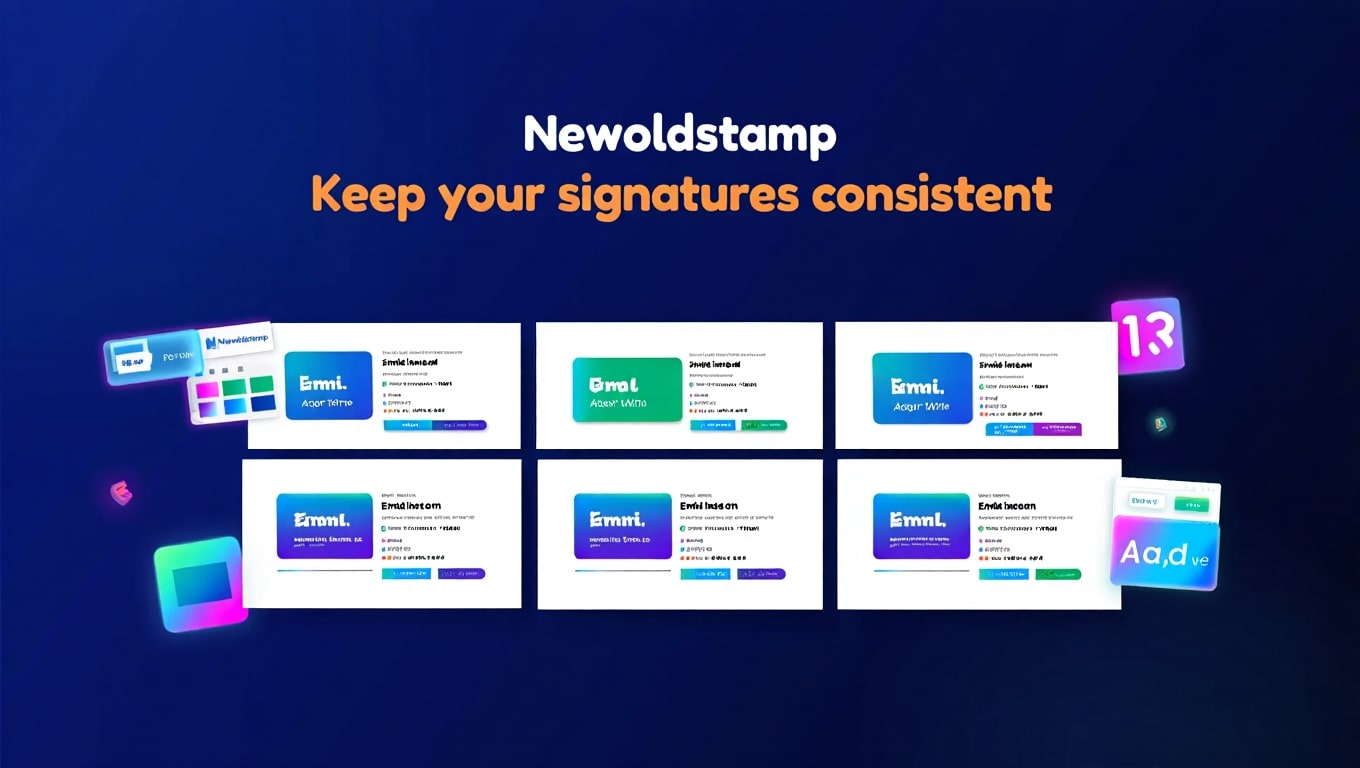
- Brand Consistency: Options to embed company logos, brand colors, and standardized fonts, ensuring every email aligns with your corporate identity.
- Social Media & CTA Integration: Easily add links to social media profiles and custom call-to-action (CTA) banners for promotions, events, or content.
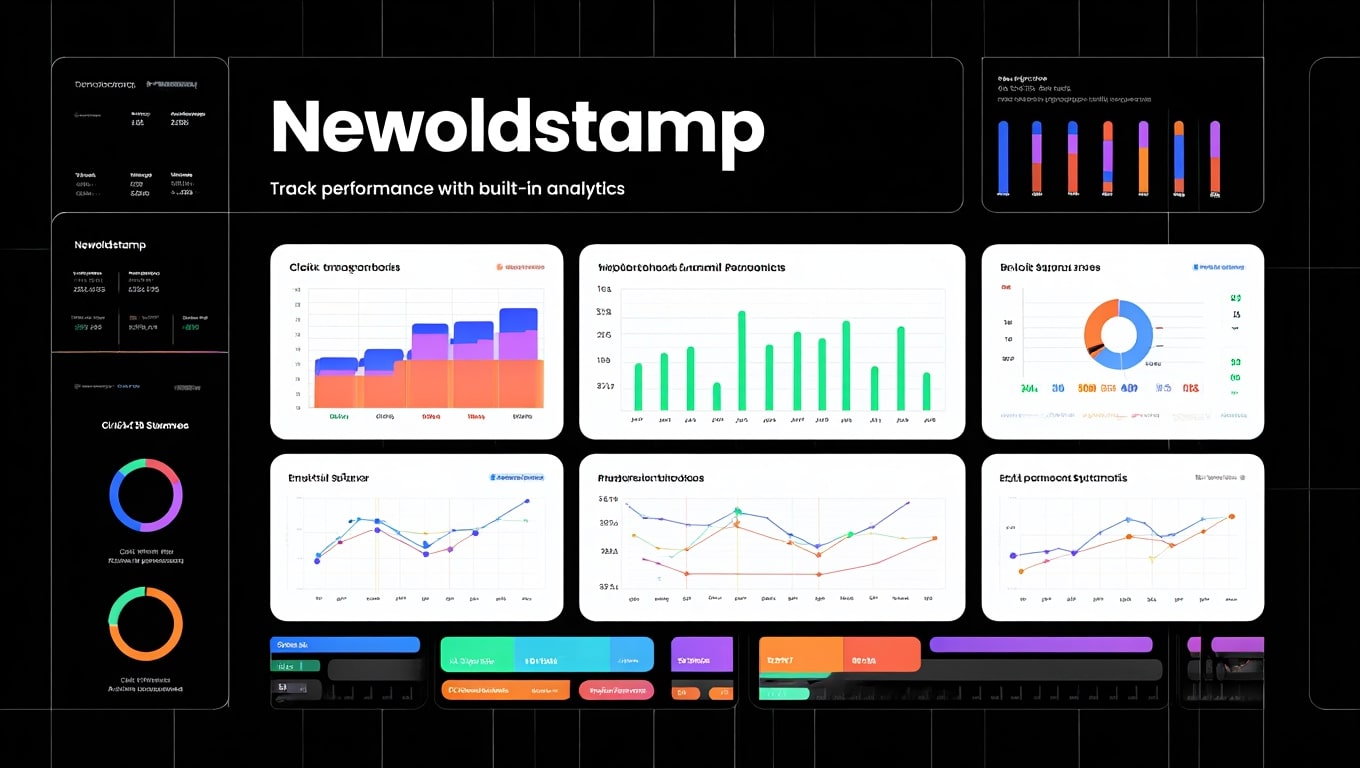
- Analytics: Track clicks on banners and links within your signatures to measure their effectiveness and optimize your marketing efforts.
- Centralized Management: A dashboard for administrators to create, manage, and deploy signatures for multiple employees or departments from one place.
- Automatic Updates: Once a signature is updated in Newoldstamp, it can be automatically pushed to all linked employee email clients, simplifying large-scale changes.
The benefits derived from these features are substantial:
- Enhanced Professionalism: Every email sent portrays a professional and credible image.
- Increased Brand Awareness: Consistent branding across all communications reinforces your company’s presence.
- Marketing Opportunities: Turn every email into a potential marketing channel for promotions, events, or product launches.
- Time Savings: Automate signature deployment and updates, freeing up valuable time for IT and marketing teams.
- Enhanced Communication: Offer clear and accessible contact information and social media links for seamless engagement.
Newoldstamp AppSumo Lifetime Deal Details
Newoldstamp has frequently been featured on AppSumo, offering an attractive lifetime deal that has garnered significant attention from businesses and entrepreneurs. AppSumo deals are renowned for offering long-term access to software with a single, upfront payment, often resulting in substantial savings compared to regular subscription plans.
Typically, the Newoldstamp AppSumo lifetime deal offers different tiers, or “codes,” which correspond to varying numbers of signatures and features. For instance, a single code might grant access to a certain number of signatures, while stacking multiple codes could unlock more signatures, additional departments, and advanced analytics. This tiered approach allows users to purchase the capacity that best fits their current or anticipated needs.
Key considerations for the AppSumo deal often include:
- Number of Signatures: This is usually the primary differentiator between deal tiers.
- Departments/Teams: Higher tiers may include the ability to manage signatures across multiple organizational departments.
- Advanced Features: Some advanced features, like API access or specific integration capabilities, might be reserved for higher AppSumo tiers.
- Future Updates: Lifetime deals typically include all future updates for the specific plan purchased, making it a truly long-term investment.
The appeal of the AppSumo lifetime deal is the elimination of recurring subscription costs, making Newoldstamp an even more cost-effective solution for long-term brand consistency and email marketing. It’s particularly attractive for growing businesses that want to lock in a low price for a critical branding tool.
Newoldstamp Pricing: AppSumo vs Regular Plans
Understanding the pricing structure of Newoldstamp is crucial, especially when comparing its regular subscription plans to the occasional AppSumo lifetime deal. The AppSumo offering typically represents a significant departure from standard recurring costs, providing immense value for long-term users.
Newoldstamp’s regular pricing is subscription-based, usually billed monthly or annually, with discounts for annual commitments. These plans are often structured around the number of signatures required and the level of features, such as advanced analytics, team management, or specific integration capabilities. As your team grows, so does your monthly or annual expenditure.
The AppSumo lifetime deal, on the other hand, allows users to make a one-time payment for perpetual access to a specific tier of the service. This model eliminates ongoing operational costs for email signature management, making it an incredibly attractive proposition for businesses looking to optimize their budget without sacrificing professional branding.
Here’s a generalized comparison to illustrate the potential difference:
| Feature/Plan Aspect | AppSumo Lifetime Deal (Example Tier) | Regular Monthly Plan (Example) |
|---|---|---|
| Cost Model | One-time payment | Monthly or Annual Subscription |
| Number of Signatures | e.g., 5-25 signatures (depending on codes) | e.g., Starts at 1 signature, scales up |
| Access Duration | Lifetime | As long as the subscription is active |
| Feature Set | Core features, often with department/analytics options at higher tiers | Tiered feature sets (Basic, Pro, Business) |
| Long-Term Value | Exceptional savings over time | Predictable recurring expense |
For businesses with stable or moderately growing teams, the AppSumo deal often presents an unparalleled opportunity for long-term cost efficiency. However, if the deal is no longer available, the regular plans still offer competitive pricing for a robust signature management solution.
How to Set Up Newoldstamp Email Signatures
Setting up professional email signatures with Newoldstamp is a straightforward process, designed to be intuitive even for those without technical expertise. The platform guides users through each step, ensuring a polished outcome.
Here’s a typical step-by-step guide to creating and deploying your Newoldstamp signature:
- Create an Account: Start by signing up for Newoldstamp. If you have an AppSumo deal, you’ll redeem your code here.
- Choose a Template: Browse the extensive library of professional templates. Select one that aligns with your brand’s aesthetic or personal preference.
- Customize Your Information: Enter your personal details such as name, title, company, phone number, and website. Newoldstamp’s editor makes it easy to preview changes in real-time.
- Add Branding Elements: Upload your company logo and adjust colors to match your brand guidelines. You can also select specific fonts to maintain consistency.
- Integrate Social Media & CTAs: Link your social media profiles (LinkedIn, Twitter, Facebook, etc.) and add a custom banner with a call-to-action for marketing purposes. This could be for a new product, an event, or a blog post.
- Preview and Save: Thoroughly review your signature to ensure all details are correct and visually appealing. Once satisfied, save your signature.
- Install Your Signature: Newoldstamp provides clear instructions and easy-to-copy HTML code for various email clients like Gmail, Outlook, Apple Mail, and Thunderbird. For teams, direct deployment options (e.g., Google Workspace, Office 365) are available.
The process is designed to be quick and efficient, allowing you to have a professional signature up and running in minutes. For teams, the centralized management dashboard streamlines deployment across multiple users, ensuring uniform application of the signature.
Professional Email Signatures for Your Team
Managing email signatures for an entire team or organization can be a daunting task without the right tools. Newoldstamp excels in providing a robust solution for ensuring professional and consistent email branding across all employees, regardless of team size. This centralized approach is critical for maintaining a unified corporate image.
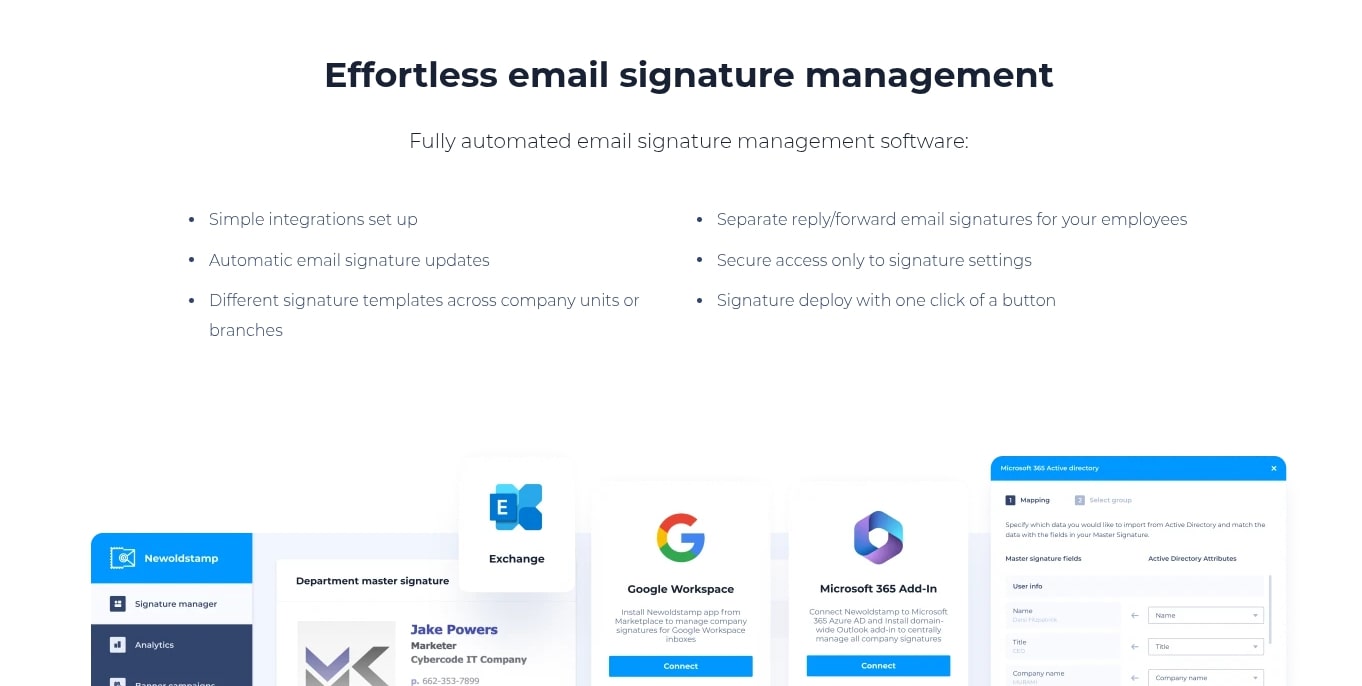
With Newoldstamp, administrators gain complete control over all company signatures from a single dashboard. This means they can create a master template that includes the company logo, official contact details, and brand colors, and then apply it to all employees. Individual employees can then customize their personal details within the set framework, ensuring consistency while allowing for personalization.
The benefits for teams are significant. It eliminates the risk of outdated information, inconsistent branding, or missing marketing elements in employee emails. Furthermore, Newoldstamp supports integrations with directory services like Google Workspace and Office 365, enabling seamless deployment and automatic updates of signatures across the entire organization, saving valuable IT and marketing time.
Key advantages for team management:
- Brand Consistency: Every employee’s email signature reflects the company’s professional image.
- Centralized Control: Easy creation, modification, and deployment of signatures from one dashboard.
- Time-Saving: Eliminates manual updates and individual employee efforts, especially for large teams.
- Marketing Leverage: Standardize marketing banners and CTAs across all outbound emails.
- Scalability: Easily add new employees or departments without complex individual setups.
Newoldstamp Pros and Cons
Like any software solution, Newoldstamp comes with its own set of advantages and disadvantages. Understanding these can help potential users make an informed decision, especially when considering the AppSumo lifetime deal.
Newoldstamp Pros:
- User-Friendly Interface: The drag-and-drop editor is highly intuitive, making signature creation accessible to everyone.
- Professional Templates: Offers a wide variety of modern and customizable templates, ensuring a polished look.
- Robust Branding Control: Excellent tools for maintaining brand consistency across all team members’ signatures.
- Marketing Capabilities: Integration of social media links, custom banners, and analytics turns signatures into effective marketing channels.
- Centralized Management: Ideal for teams and organizations, allowing administrators to manage all signatures efficiently.
- AppSumo Lifetime Deal Value: For those who acquired it, the one-time payment for lifetime access offers significant long-term cost savings.
- Broad Email Client Compatibility: Supports all major email clients and directory services for seamless integration.
Newoldstamp Cons:
- Learning Curve for Advanced Features: While basic setup is easy, fully utilizing advanced features like dynamic banners or complex team management might require some initial exploration.
- AppSumo Tier Limitations: The lifetime deal, while valuable, may have limitations on the number of signatures or advanced features compared to the highest regular plans, potentially requiring stacking codes for larger teams.
- Occasional Minor Bugs: Like most software, users might encounter occasional minor glitches, though these are typically addressed by customer support.
- Dependency on Platform: Reliance on an external platform for signature generation and management, though this is common for such tools.
- Pricing without AppSumo: Regular subscription pricing can add up for very large organizations if not utilizing a lifetime deal.
Overall, Newoldstamp’s strengths largely outweigh its weaknesses, especially for users seeking a powerful yet user-friendly email signature management solution.
Newoldstamp User Reviews and Ratings
User reviews and ratings provide invaluable insights into the real-world performance and satisfaction with Newoldstamp. Across various platforms like AppSumo, Capterra, G2, and Trustpilot, Newoldstamp generally garners positive feedback, highlighting its effectiveness and ease of use.
Many users consistently praise the platform’s intuitive drag-and-drop editor, stating that it makes creating professional-looking signatures incredibly simple, even for non-designers. The ability to quickly customize templates with company logos, colors, and personal information is a frequently mentioned positive. This ease of use often translates to significant time savings for individuals and marketing teams.
Another strong point highlighted in Newoldstamp reviews is its impact on brand consistency. Businesses appreciate the centralized management features, which allow them to ensure every employee’s signature adheres to brand guidelines. The marketing banners and social media integrations are also highly valued for turning emails into active promotional tools, with some users reporting increased engagement from these elements.
While positive feedback dominates, some reviews occasionally mention minor requests for more advanced customization options or specific integrations. A few users might find the initial setup for very large teams a bit complex, though Newoldstamp’s support resources typically address these concerns. Overall, the sentiment remains overwhelmingly positive, especially from those who leveraged the AppSumo lifetime deal for its exceptional value.
Who Should Use the Newoldstamp Email Signature Tool
Newoldstamp is a versatile tool that can benefit a wide range of users, from solo entrepreneurs to large corporations. Its feature set is designed to address various needs related to professional email communication and brand management.
Here’s a breakdown of who can benefit most from Newoldstamp:
- Freelancers & Consultants: Individuals who want to project a highly professional image and include clear contact information, a portfolio link, or a booking CTA in every email.
- Small to Medium Businesses (SMBs): Companies looking to standardize their brand across all employee communications, ensuring consistency and leveraging email signatures for marketing purposes without a large budget. The AppSumo deal is particularly appealing here.
- Marketing Agencies: Agencies managing multiple client brands can use Newoldstamp to create and deploy branded signatures efficiently for their clients, often across different departments.
- Startups: Organizations in their growth phase that need to establish a strong, professional brand identity early on and scale their email communications as they expand.
- Large Enterprises: While Newoldstamp might initially appeal more to smaller entities, its team management and integration features make it suitable for larger companies seeking to streamline signature deployment and ensure global brand compliance across hundreds or thousands of employees.
- Sales Teams: Utilize marketing banners to promote specific products, services, or upcoming webinars directly in their outreach emails.
- HR & Recruiting Departments: Showcase company culture or link to career pages in their communications with candidates.
Essentially, anyone who sends professional emails and wants to enhance their digital presence, improve brand consistency, or utilize their email signature as a subtle yet effective marketing channel will find significant value in Newoldstamp.
Best Newoldstamp Alternatives for Email Signatures
While Newoldstamp is a strong contender, the email signature management market offers several alternatives. Each tool has its unique strengths, and understanding them can help you choose the best fit if Newoldstamp doesn’t perfectly align with your needs or if the AppSumo deal is unavailable.
Here are some notable Newoldstamp alternatives:
- WiseStamp: Known for its extensive customization options and a focus on individual branding. WiseStamp offers numerous templates and dynamic content features, including RSS feeds and video links. It’s often favored by freelancers and individuals who want a highly personalized signature.
- Exclaimer: A robust solution primarily aimed at larger enterprises, offering server-side signature management. Exclaimer ensures all emails sent from an organization, regardless of device, have a consistent signature. It’s more complex to set up, but it provides unparalleled control for large IT departments.
- Gimmio (formerly Siggy): Another popular choice that balances ease of use with powerful customization. Gimmio is often praised for its clean interface and ability to create detailed, brand-consistent signatures for teams. It offers many similar features to Newoldstamp, including analytics and team management.
- Mailbutler: While more than just an email signature tool (it’s a full-fledged email productivity suite for Apple Mail, Gmail, and Outlook), Mailbutler includes a capable signature generator. It’s best for users already invested in its other features like email tracking, scheduling, and templates.
- Signaturely: Focuses on being an easy-to-use solution for creating professional signatures quickly. It’s less geared towards extensive team management and analytics compared to Newoldstamp or Exclaimer but offers simple, effective signature creation for individuals and small teams.
When evaluating alternatives, consider factors like pricing, ease of use, team management capabilities, integration options, and the specific level of customization and marketing features you require. For most SMBs and growing teams, Newoldstamp offers a compelling balance of features and value.
Newoldstamp Integration Options
Newoldstamp’s utility is significantly enhanced by its wide range of integration options, ensuring seamless deployment and management across various email clients and organizational platforms. This flexibility is crucial for businesses aiming for efficient and consistent signature application.
Key integration capabilities include:
- Major Email Clients: Newoldstamp provides easy-to-follow instructions and export options for all popular email clients. This ensures your professional signature can be effortlessly installed, regardless of whether you use:
- Gmail
- Outlook (desktop, web, Office 365)
- Apple Mail
- Thunderbird
- Yahoo Mail
- And many others that support HTML signatures.
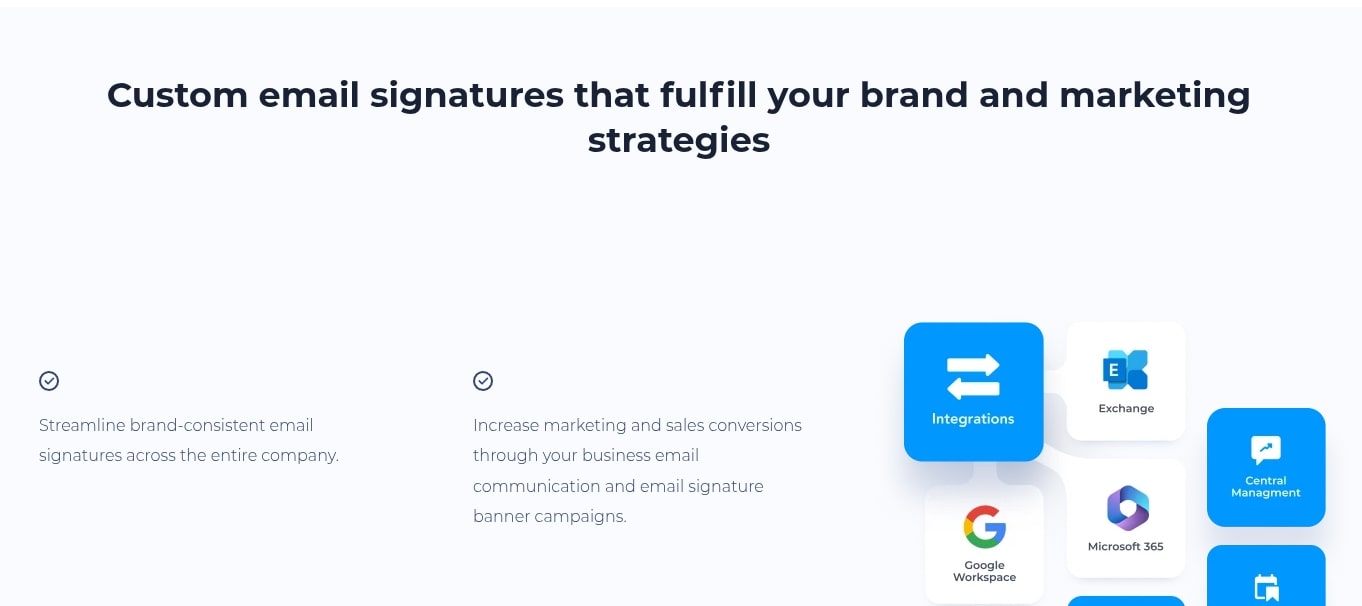
- Directory Services & Email Platforms: For larger teams, Newoldstamp offers powerful integrations with common directory services, allowing for centralized deployment and management:
- Google Workspace (G Suite): Sync employee data and deploy signatures directly to all Google Workspace users.
- Microsoft Office 365 / Exchange: Similar to Google Workspace, it enables centralized management and deployment for Microsoft-based environments.
- Azure AD: Sync user data from Azure Active Directory for streamlined signature creation.
- API Access: For advanced users and developers, Newoldstamp offers API access, allowing for custom integrations with CRM systems, HR platforms, or other internal tools. This provides a high level of automation and flexibility for enterprise-level deployments.
These integration options ensure that Newoldstamp is not just a standalone signature generator but a comprehensive solution that can fit seamlessly into an organization’s existing IT infrastructure, significantly reducing the administrative burden of signature management.
How to Maximize Your Newoldstamp AppSumo Deal
Acquiring the Newoldstamp AppSumo lifetime deal is a smart investment, but maximizing its value requires a strategic approach. Simply having the tool isn’t enough; actively utilizing its features will yield the best returns.
Here’s how to get the most out of your Newoldstamp AppSumo deal:
- Stack Codes Strategically: If the deal allows, consider how many signatures your team might need in the foreseeable future and purchase enough codes to cover that growth. It’s usually more cost-effective to stack during the initial purchase than to upgrade later at regular pricing.
- Utilize All Signature Slots: Don’t leave signature slots unused. Even if you don’t have enough employees, consider creating variations for different departments, marketing campaigns, or even personal use outside of work.
- Leverage Marketing Banners: Regularly update your signature banners to promote current initiatives. This could include new product launches, upcoming webinars, special offers, recent blog posts, or important company announcements. Rotate them to keep your messaging fresh and relevant.
- Monitor Analytics: Pay attention to the click-through rates on your banners and social media links. Use this data to refine your CTAs and imagery, optimizing your signatures for better engagement and conversion.
- Ensure Brand Consistency: Use the centralized management features to enforce strict brand guidelines across all employee signatures. This includes fonts, colors, logos, and disclaimer text. Consistent branding builds trust and recognition.
- Train Your Team: Provide simple instructions or a brief demo to your employees on how to apply their new signatures and understand the value they bring. This ensures proper adoption and usage.
- Explore Advanced Features: Dive into features like department management, custom fields, and integration options to fully automate and scale your signature management processes.
By actively engaging with Newoldstamp’s capabilities and adapting your strategy, you can transform your email signatures from a static sign-off into a dynamic, measurable marketing and branding tool, making your AppSumo investment truly worthwhile.
Newoldstamp Customer Support and Resources
Effective customer support and accessible resources are vital for any software, ensuring users can get the most out of the product and resolve any issues swiftly. Newoldstamp understands this, offering multiple channels for assistance.
Newoldstamp’s support system typically includes:
- Live Chat Support: Often available directly within the Newoldstamp application or website during business hours. This allows for quick real-time assistance for immediate queries or minor troubleshooting.
- Email Support: For more detailed inquiries, bug reports, or complex setup questions, users can typically reach out via email. Response times are generally good, with the support team providing comprehensive solutions.
- Comprehensive Knowledge Base/FAQ: Newoldstamp maintains an extensive online knowledge base that covers a wide array of topics. This includes step-by-step guides for signature creation, installation instructions for various email clients, troubleshooting tips, and answers to frequently asked questions.
- Video Tutorials: Visual learners benefit from video tutorials that walk through key features and setup processes, making it even easier to get started and master the tool.
- Blog and Educational Content: The Newoldstamp blog often features articles on email signature best practices, marketing tips, and product updates, providing additional value and insights for users.
User reviews often commend Newoldstamp’s support team for being responsive and helpful, addressing queries efficiently. This robust support infrastructure ensures that users, whether individuals or large teams, can confidently deploy and manage their professional email signatures without significant hurdles.
Frequently Asked Questions About Newoldstamp
To help clarify common concerns and provide quick answers, here are some frequently asked questions regarding Newoldstamp and its functionality:
Q: Is Newoldstamp a free tool?
A: Newoldstamp offers a free trial period, but it is a paid subscription service. However, it periodically offers lifetime deals through platforms like AppSumo, which provides perpetual access for a one-time fee.
Q: How many signatures can I create with Newoldstamp?
A: The number of signatures you can create depends on your chosen plan or AppSumo tier. Regular plans are typically priced per signature or user, while AppSumo deals often provide a set number of signatures (e.g., 5, 10, 25) depending on the codes purchased.
Q: What email clients are compatible with Newoldstamp signatures?
A: Newoldstamp signatures are highly compatible with virtually all major email clients that support HTML signatures, including Gmail, Outlook (desktop, web, Office 365), Apple Mail, Thunderbird, Yahoo Mail, and many more. The platform provides specific installation instructions for each.
Q: Can I manage signatures for my entire team or company?
A: Yes, Newoldstamp features robust team management capabilities. Administrators can create master templates, assign signatures to employees, and deploy them across an entire organization through integrations with Google Workspace, Office 365, and Azure AD.
Q: Does Newoldstamp offer analytics for signature performance?
A: Yes, Newoldstamp includes analytics features that allow you to track clicks on your signature banners, social media icons, and other links. This helps you measure the effectiveness of your email signature as a marketing tool.
Q: Is the AppSumo lifetime deal still available?
A: AppSumo deals are typically for a limited time. While Newoldstamp has been offered in the past, its availability can vary. It’s recommended to check the AppSumo website directly for current offerings.
Final Verdict: Is the Newoldstamp AppSumo Deal Worth It?
After a thorough review of Newoldstamp’s features, benefits, user feedback, and pricing models, particularly the Newoldstamp AppSumo Lifetime Deal, the final verdict leans strongly in favor of its value proposition. Newoldstamp stands out as an exceptionally capable and user-friendly solution for professional email signature management.
For individuals, freelancers, and small to medium-sized businesses, Newoldstamp offers an effortless way to elevate their digital presence. The intuitive drag-and-drop editor, coupled with a wide selection of professional templates, makes creating a polished and branded signature a task that takes mere minutes, not hours. Its ability to turn a simple email sign-off into a dynamic marketing tool through banners and social links is a significant advantage.
Where Newoldstamp truly shines is in its team management capabilities. Ensuring brand consistency across an entire organization can be a logistical nightmare, but Newoldstamp’s centralized dashboard and integration with services like Google Workspace and Office 365 simplify this immensely. This means every employee’s email becomes a consistent, professional representation of the company, reducing administrative burden and reinforcing brand identity at scale.
Regarding the AppSumo deal, if it’s currently available, it represents an outstanding investment. The one-time payment for lifetime access eliminates recurring subscription costs, making Newoldstamp an incredibly cost-effective long-term solution. For businesses planning to maintain a professional online presence for years to come, this deal transforms a valuable tool into an almost indispensable asset, offering unparalleled ROI compared to its regular subscription pricing.
Related Category: AppSumo Deals